
Features
A complete baby monitor, on the devices you already own
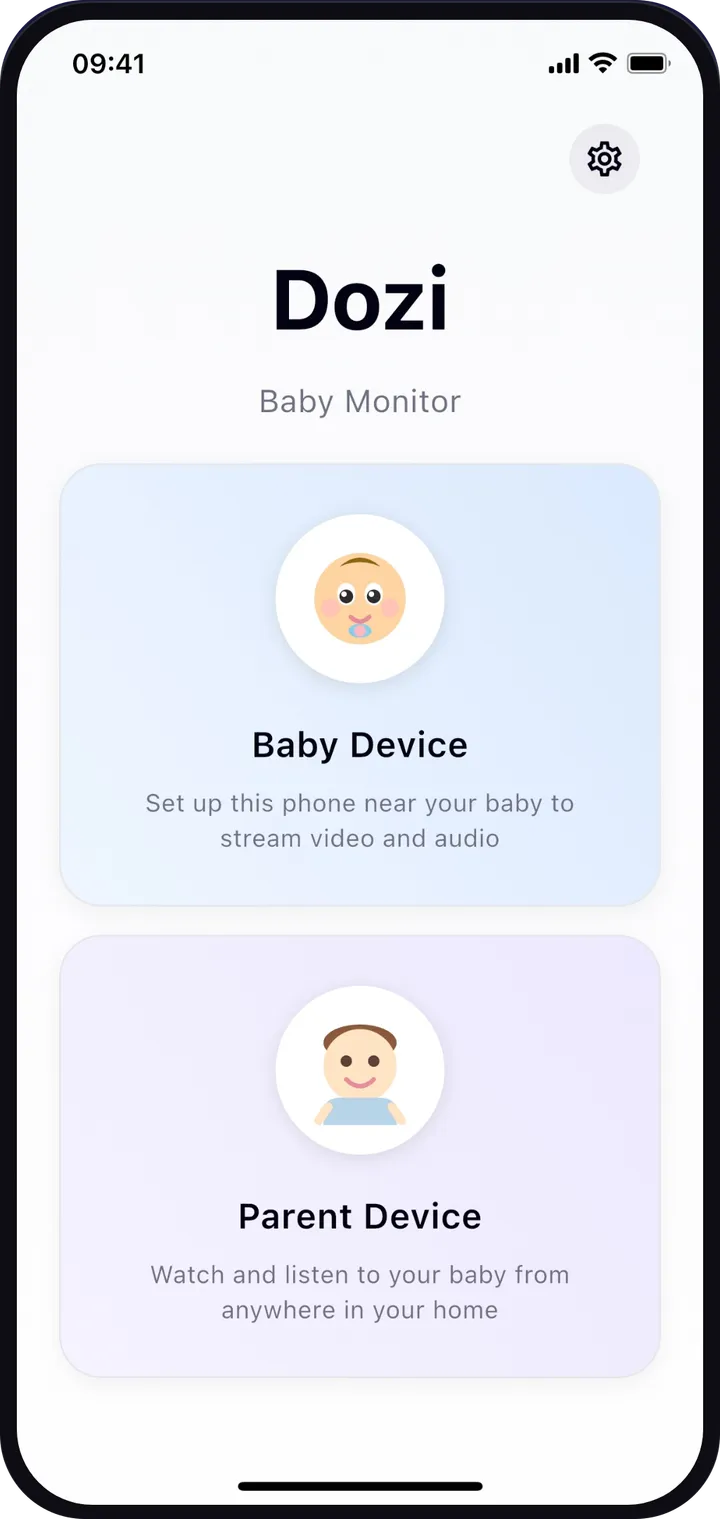
Dozi gives you what you’d expect from a dedicated baby monitor, using two iPhones or iPads on your home Wi-Fi, without sending a single frame to the cloud.
- No cloud
- Never leaves your home
- Encrypted connection
- No account
Live video and sound
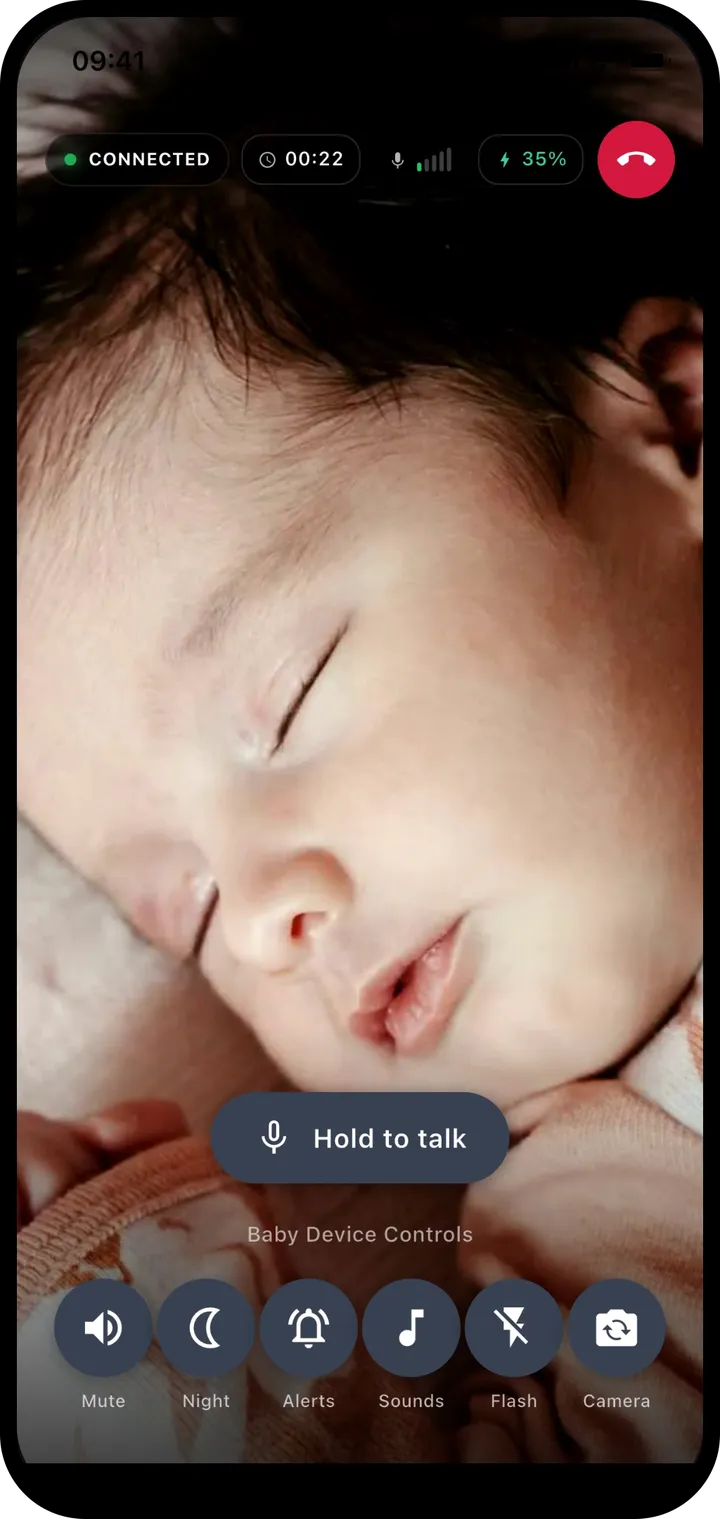
See and hear your baby in real time on your phone or iPad, from any room on your home Wi-Fi.
- The connection status, session timer and the baby device’s battery level are always on screen.
- Switch between the front and back camera, or turn the flash on, from the parent device.
- Mute the sound whenever you want silence; video keeps playing.
Cry alerts, even when your phone is locked
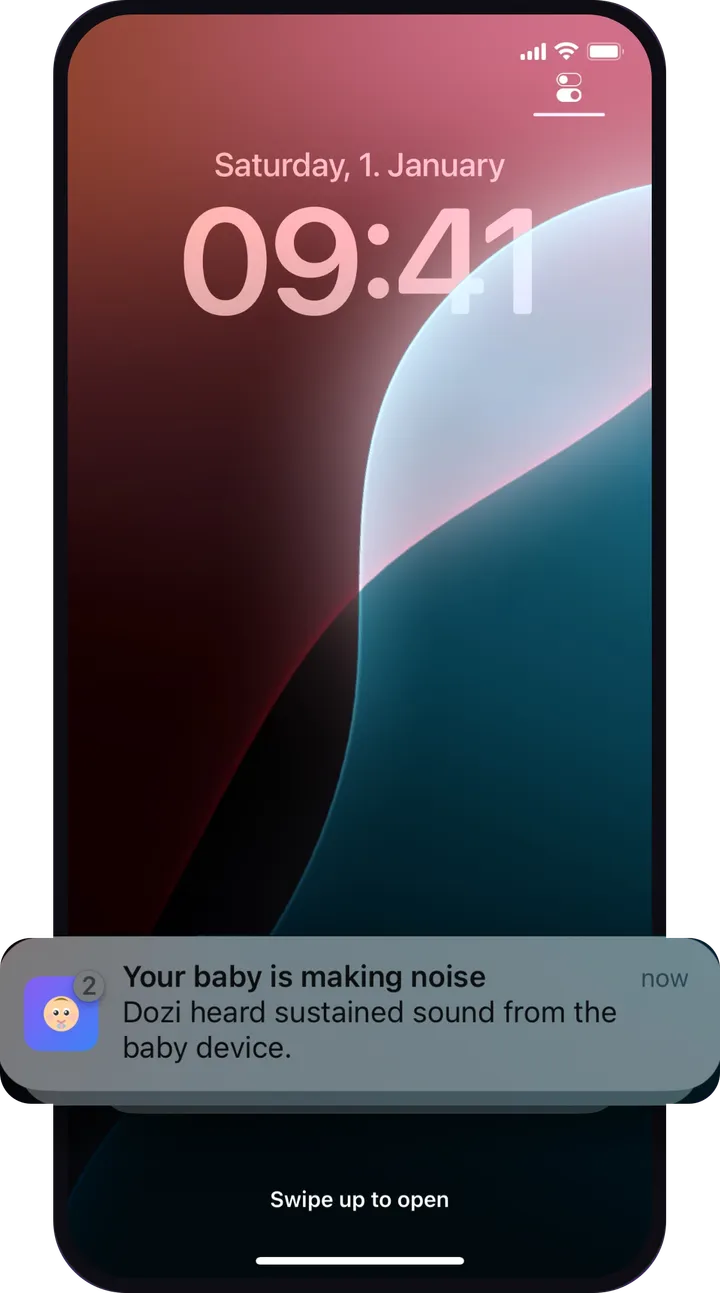
Put your phone down or lock it. When the baby device hears sustained sound, Dozi sends a notification so you know straight away.
- Smart detection listens for sound that keeps going, so a single bang or cough does not wake you.
- Dozi learns steady background noise, such as a white-noise machine, so it is not mistaken for crying.
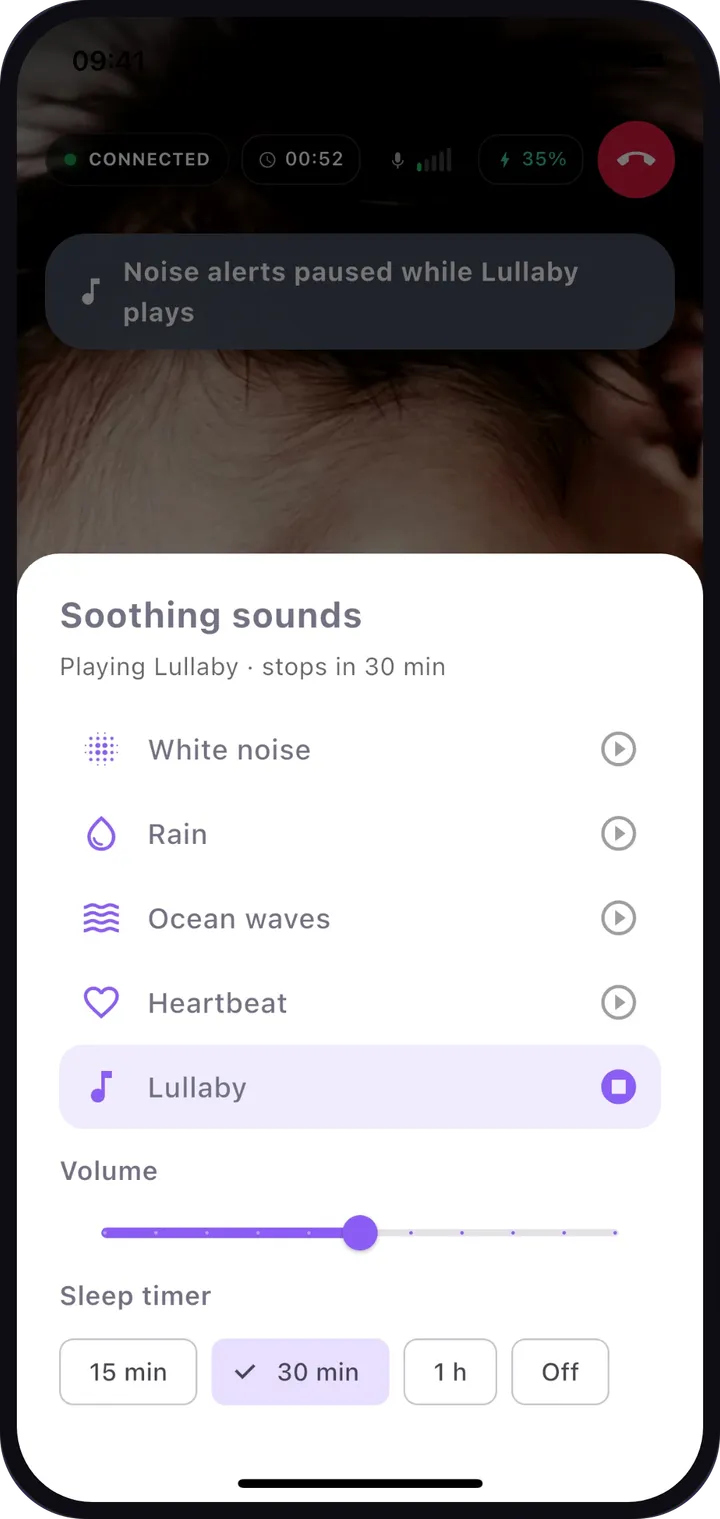
- Alerts pause automatically while a lullaby or soothing sound is playing on the baby device.
Night vision with one tap
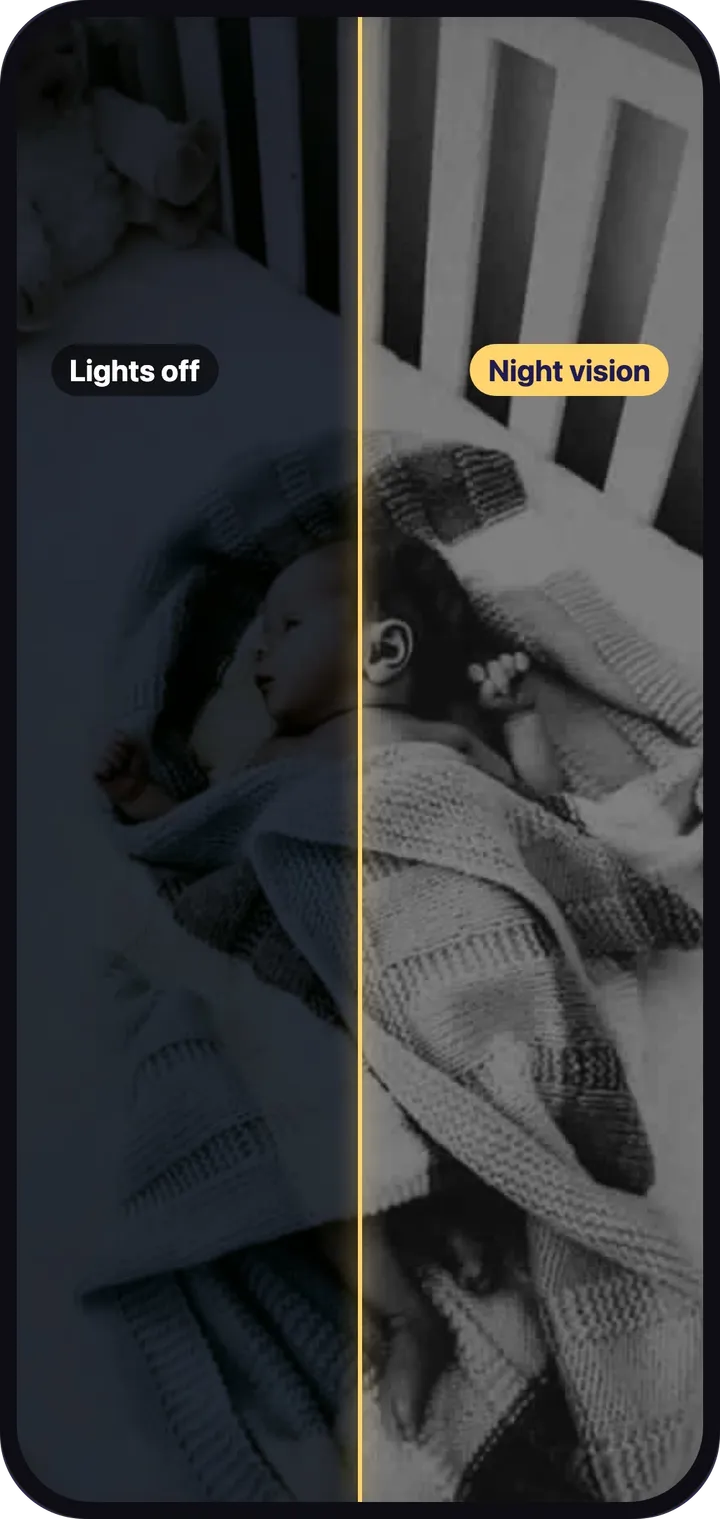
See clearly in a dark nursery. Night mode brightens the picture so you can check on your baby without turning on a light.
- Toggle night vision from the parent device at any time.
- It boosts the iPhone or iPad camera in low light. It is not an infrared camera, so it works best with a little light in the room.
- The baby device’s screen dims to black after a few seconds, so it does not light up the room. A tap brings it back.
Talk back
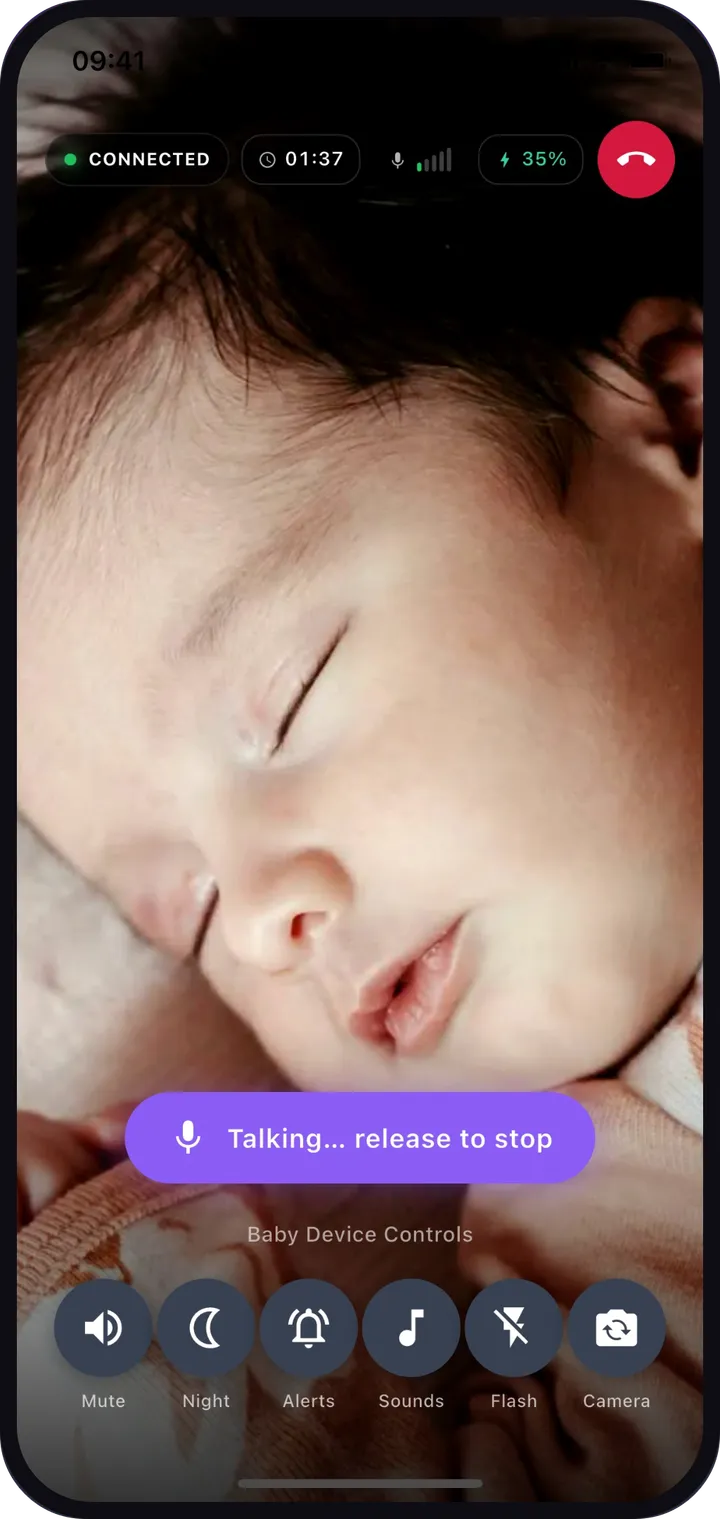
Hold to talk and your baby hears your voice right away through the baby device. Release to stop.
- Push-to-talk means the baby only hears you when you mean them to.
Lullabies and white noise
Play white noise, rain, ocean waves, a heartbeat or a lullaby on the baby’s device, and keep watching while it plays.
- Adjust the volume from your phone.
- Set a sleep timer of 15 minutes, 30 minutes or 1 hour, or leave it playing.
Private and secure by design
Video and audio travel directly between your two devices over your Wi-Fi and never leave your home. No cloud, no account, no login.
- Every stream is encrypted between your devices.
- Each session gets a new one-time code in the QR code. Only the device that scanned it can watch.
- Nothing is recorded or stored, and there is no cloud plan or third-party service to sign up for.
- The App Store privacy label for Dozi reads “Data Not Collected”.
And the small things that matter at 3 a.m.
Remote controls
Mute, night vision, alerts, soothing sounds, flash and front/back camera, all from the parent device.
Battery at a glance
The parent screen shows the baby device’s battery level and whether it is charging.
Dark nursery screen
The baby device blacks out its screen after a few seconds without a touch, so it doesn’t light up the room.
Stays awake
Dozi keeps the baby device’s screen from locking while it streams, so the monitor doesn’t stop on its own.
Phone calls handled
If a call comes in on either device, Dozi gives the call the microphone and speaker and lets the other device know.
iPhone and iPad
Use any mix: two iPhones, two iPads, or one of each.
Good to know: Dozi is a video and audio monitor, not a medical device. It does not measure breathing, heart rate or oxygen levels, and it does not replace safe sleep practices or adult supervision.
Turn your spare iPhone into a baby monitor
Install Dozi on two iPhones or iPads, scan a QR code and watch your baby from anywhere in your home. No cloud, and nothing leaves your home.
 Download on the App Store
Free to download · Free to try
Every feature free for your first 3 days · No account